Feedbacks
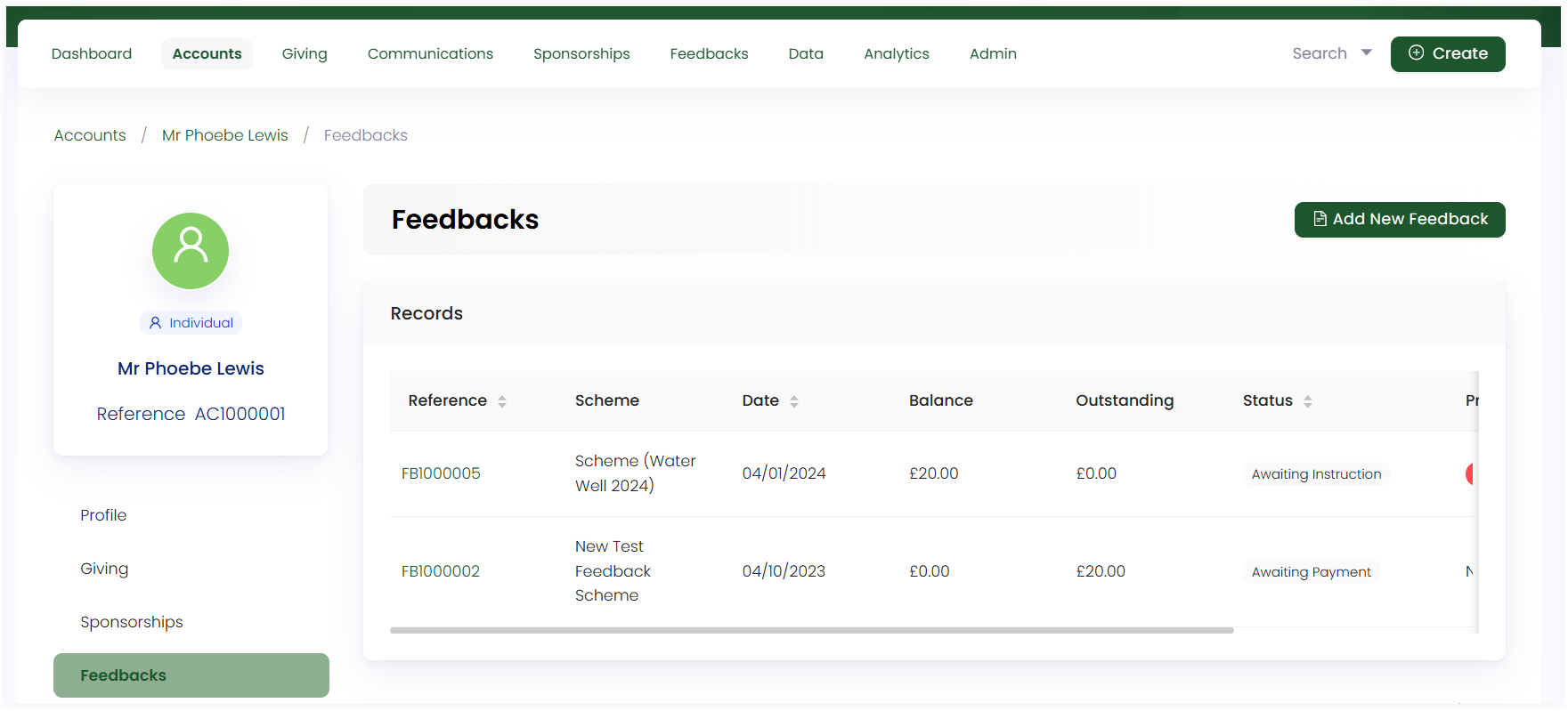
An account can view all the records of feedbacks made in the form of a list via the Feedbacks option in the account profile. The feedbacks section includes:
- Create a feedback option
- Feedbacks record list
- Viewing a feedback in detail via its reference
Create a New Feedback
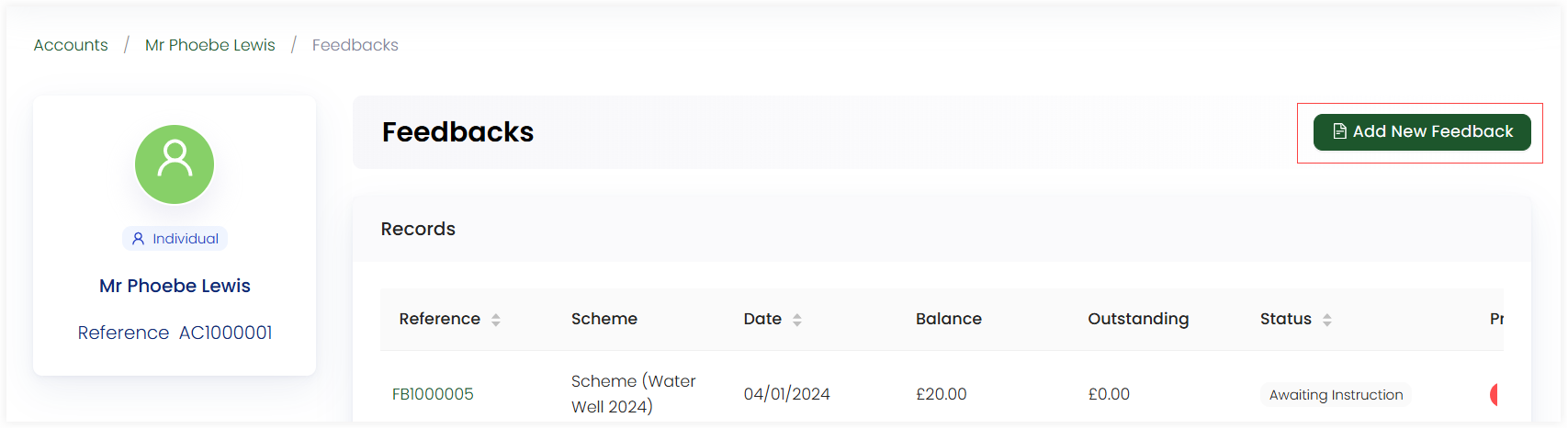
You can create a new feedback via the Add New Feedback option. For more details, go to the Creating Feedbacks Documentation.
Feedbacks Record List
All feedbacks created and donated towards by the account appear under the feedbacks section in the form of a list. You can view the name and description of each feedback by clicking the + option.
Each feedback shows:
- Reference Number: Individual identification number of each feedback.
- Date: The date when feedback was created.
- Outstanding: The price of each feedback yet to be paid.
- Status: The condition of the payment, whether it has been paid or still in awaiting. This can be sorted in ascending order as well.
- Progress: A indication in the form of check or cross of whether payment has completed or not.
Viewing a Feedback in Detail
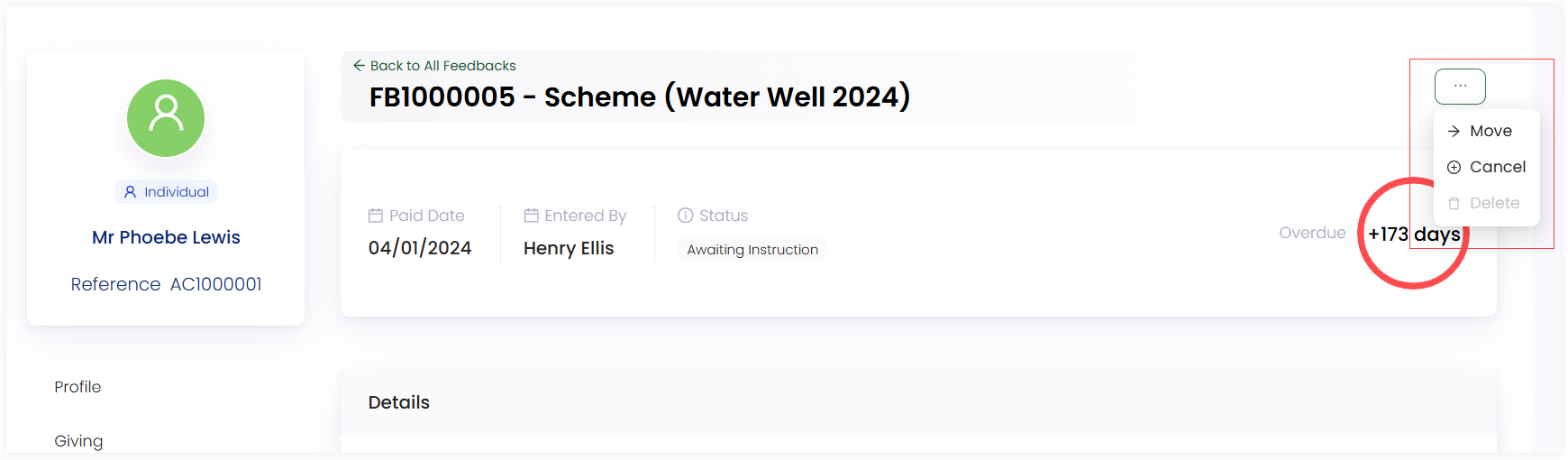
You can view a feedback created by clicking on its reference number. Each feedback in detail includes:
- Date and name of person who created the feedback
- Status of payment as completed or awaiting.
- Details section including the feedback scheme name, location and theme etc.
- Specific reports and ledger related to the feedback.
- History to track all the actions conducted on the feedback, via View Log. This option opens up a side panel indicating a timeline of all the events/actions that were done by the account along with the dates and description.
You can move a certain feedback to a different or anonymous account, cancel if the feedback is in awaiting payment status, or delete it through the three(...) dots in the top corner of the page.