History
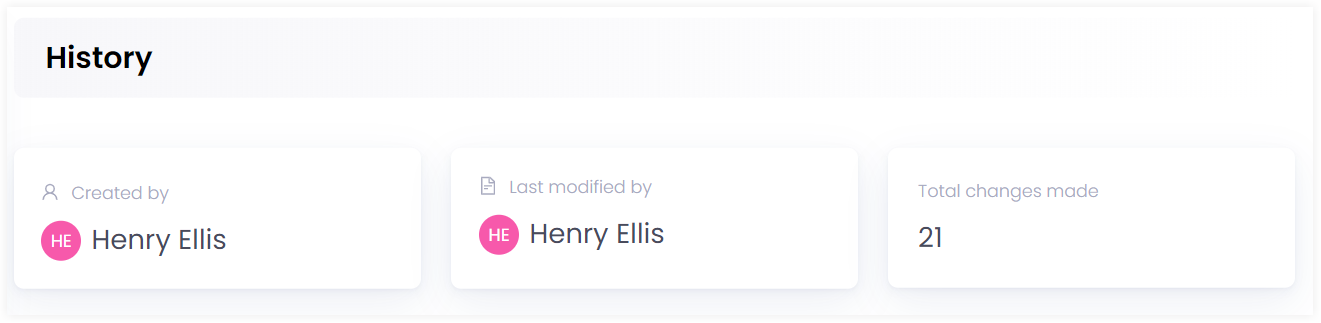
In Engage, you can view all previous actions that have taken place on a certain account under the history section. Search for any account and click on History in the profile menu which shows:
- Created By
- Last Modified By
- Total Changes Made
- List of All Modifications Made
Created By
This section shows the name of the user.
Last Modified By
This information box indicates the last current change made by another account on a particular account. For example donor B made a change in donor A's account.
Total Changes Made
This section depicts the total number of changes made by other accounts on a particular account.
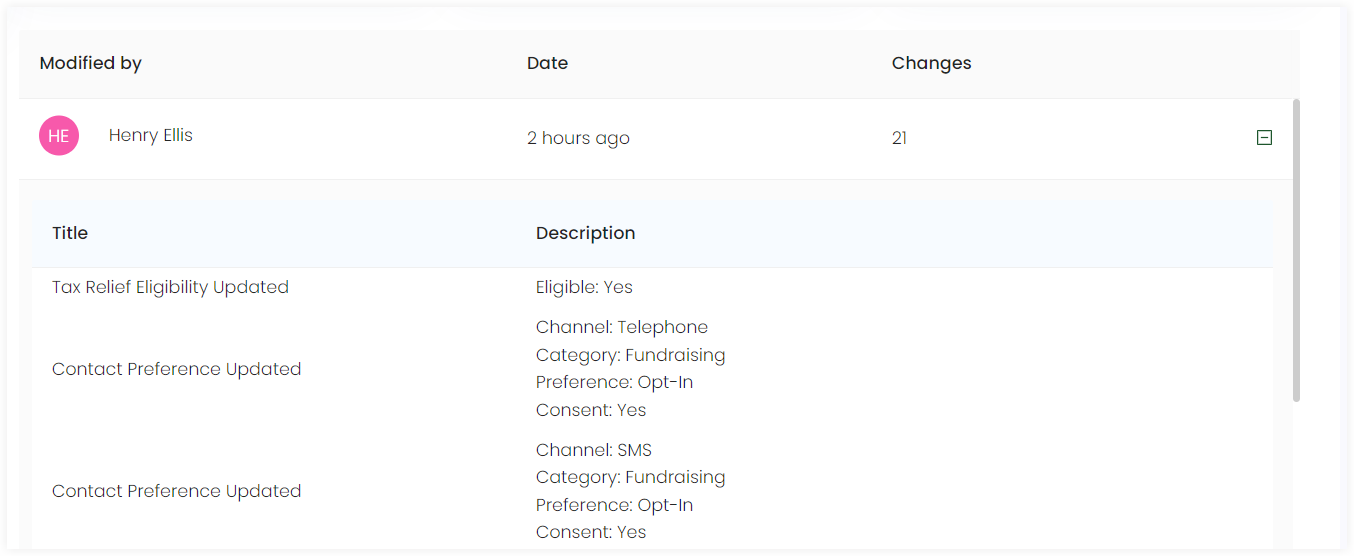
List of All Modifications Made
This section shows a list of all the changes made by different accounts on a certain account including:
- Modified By: The name of the user who made the change.
- Date: The date when the change was made.
- Changes: The total number of changes made.

To view each change in detail, click the + icon on the end of each row. When the icon expands, it shows the Title and Description of each change. For example donor A made a change by updating a certain contact preference category.